What Is PolyBot
PolyBot is a self-custodial Telegram interface for Polymarket. Use the bot or its Mini App to discover markets, trade, automate strategies, and manage a portfolio tied to your own Polygon smart wallet.
Why PolyBot
Quick start
Official Telegram bots
These are the only official PolyBot trading bots:
- Primary: @TradePolyBot
- Backup Beta: @TradePolyBetaBot
- Backup Gamma: @TradePolyGammaBot
All three connect to the same PolyBot account and Mini App. If the bot you are using is unavailable, continue with either official backup. Treat any other account claiming to be a PolyBot trading bot as unofficial, and never share your private key or recovery information.
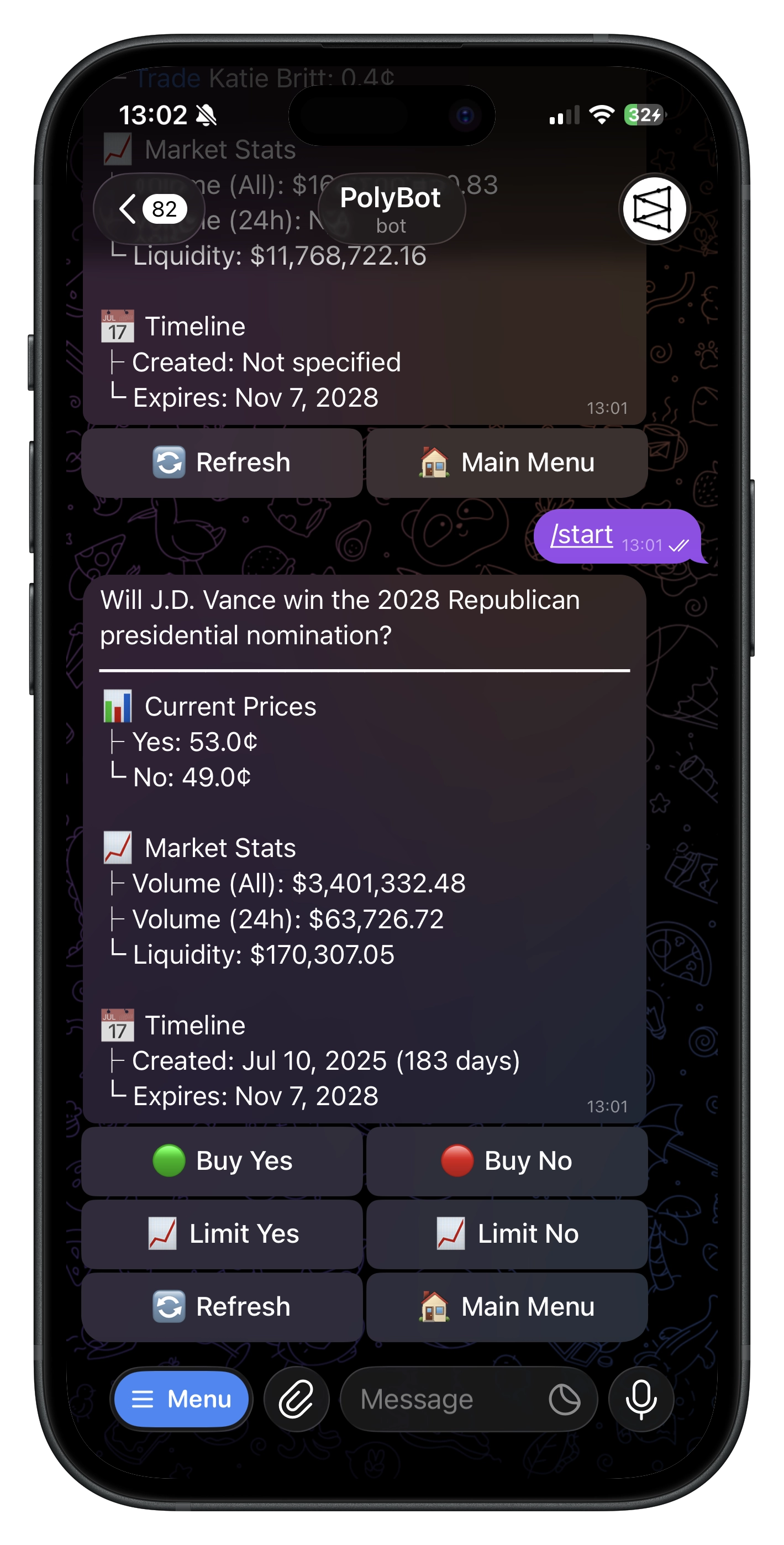
- Open PolyBot in Telegram and run
/start. - Accept the current terms and compliance confirmation.
- PolyBot creates your self-custodial Polygon Safe.
- Fund the deposit address shown in the Wallet deposit flow.
- Paste a Polymarket link, browse markets, or run
/appto open the Mini App.
See the Quickstart Guide for the full flow.
What you can do
Trade and manage positions
- Paste a supported Polymarket URL to open its market.
- Place market buys and GTC limit buys.
- Sell all or part of a position at market, or place a limit sell.
- Review Portfolio, Orders, reserved balance, allocated strategy capital, and PnL.
- Redeem wins, clear settled losses, and share PnL cards.
- Build 2–8 leg parlays when eligible combinations are available.
Discover
- Browse volume, trending, new, category, crypto Up/Down, and live feeds.
- Search by keyword in Telegram, the Mini App, or a group.
- Compare public traders with Smart Wallet Discovery.
- Open market and trader cards shared in Telegram groups.
Automate
- Auto Trader — your entry, exit, timing, re-entry, and circuit-breaker rules for crypto Up/Down markets
- Copy Trading — mirror public traders with your sizing and filters
- HFT Strategies Beta — a live, evolving catalog of managed BTC strategies in Telegram
- Presets — reusable take-profit, stop-loss, and trailing-stop rules
- Stop Loss — standalone downside exit monitoring
- Market Alerts — price targets, price change, and large-trade notifications
- Auto-Claim — periodic redemption of eligible resolved positions
- Robin Yield Beta — feature-gated staking of eligible filled positions in Robin vaults
Groups and competitions
Add PolyBot to Telegram groups for market search, shareable market/trader cards, leaderboard viewing, and referral attribution. Live trading competitions show their own dates, qualification rules, volume ranks, and prize-pool tiers.
Wallet and balances
Trading uses your pUSD tradable balance on Polygon. The Telegram main menu can separately show:
- positions value;
- tradable balance;
- funds reserved by open limit orders;
- capital allocated to managed strategies; and
- net worth.
Use the live deposit picker for currently supported networks, assets, addresses, minimums, and routes. Do not send funds to the Polymarket profile/trading address shown for reference. See the Wallet Guide.
Referrals and fees
PolyBot's standard trading fee is currently 1% of trading volume, but account-specific promotions or overrides can change the effective fee. The confirmation screen is the source of truth before each trade.
The referral program currently supports three levels. Default shares are 25% / 5% / 3% of PolyBot's collected fee, but live percentages, maturity, and claim thresholds are runtime settings shown in the Referral Hub. See Referrals.
Your Safe holds the trading assets and positions. Exporting the signer key gives control over that wallet, so keep it offline and never share it. Key-export messages are automatically deleted after a short period.
Interfaces are not identical
Telegram and the Mini App share the same account, but some settings and features are surface-specific. Managed HFT, Robin Yield, /trade, and Auto Trader loss-streak configuration are currently Telegram-first or Telegram-only. See the Mini App Guide for the exact split.
Commands
See the maintained Commands Reference for direct-message, group, and channel commands.
PolyBot is not available to U.S. persons or people located in the U.S. Prediction-market trading, automation, copying, parlays, and yield integrations involve risk. Only trade what you can afford to lose.